iOS · Android

QRDrop

Transfer files between your devices in seconds using only a QR code.

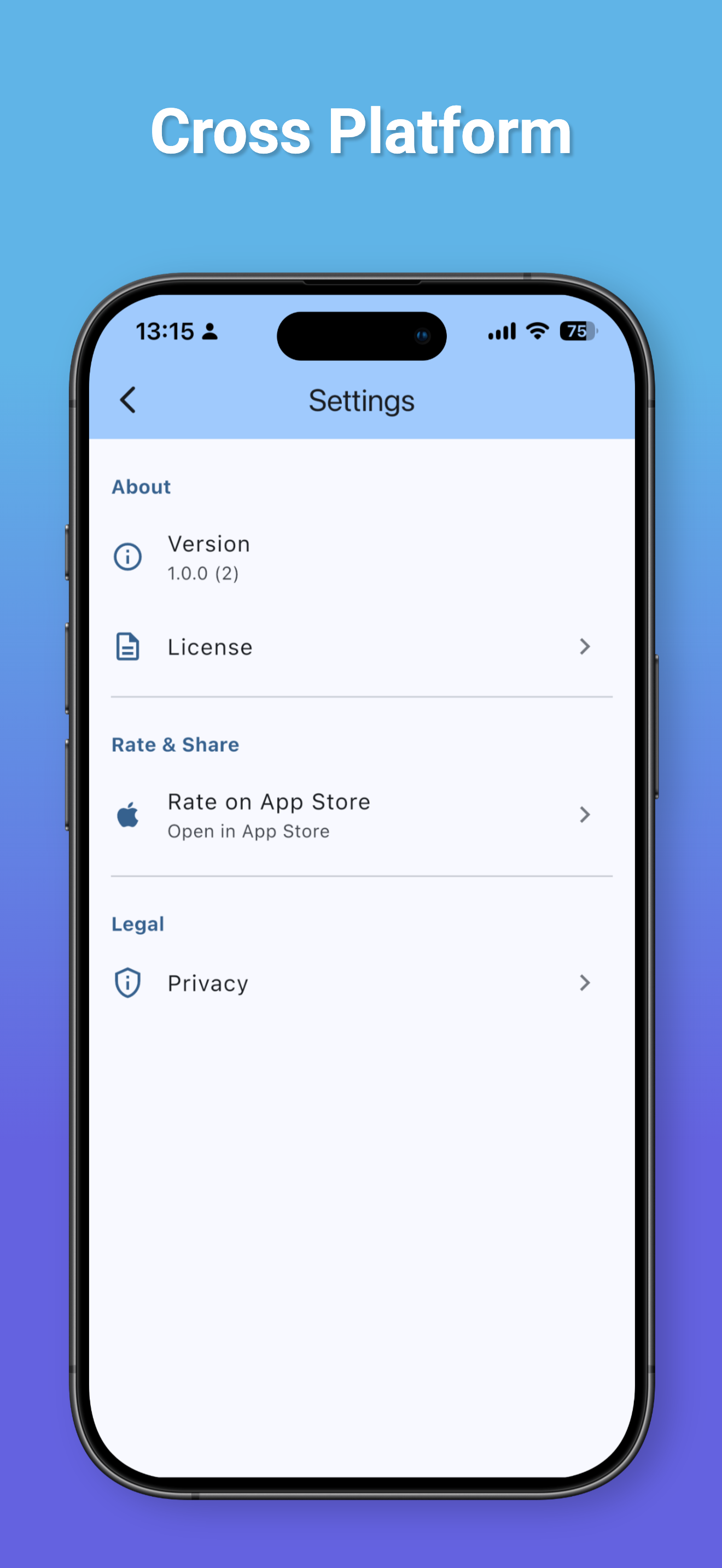
QRDrop screenshot
QRDrop screenshot
QRDrop screenshot
QRDrop screenshot

File transfer, simplified

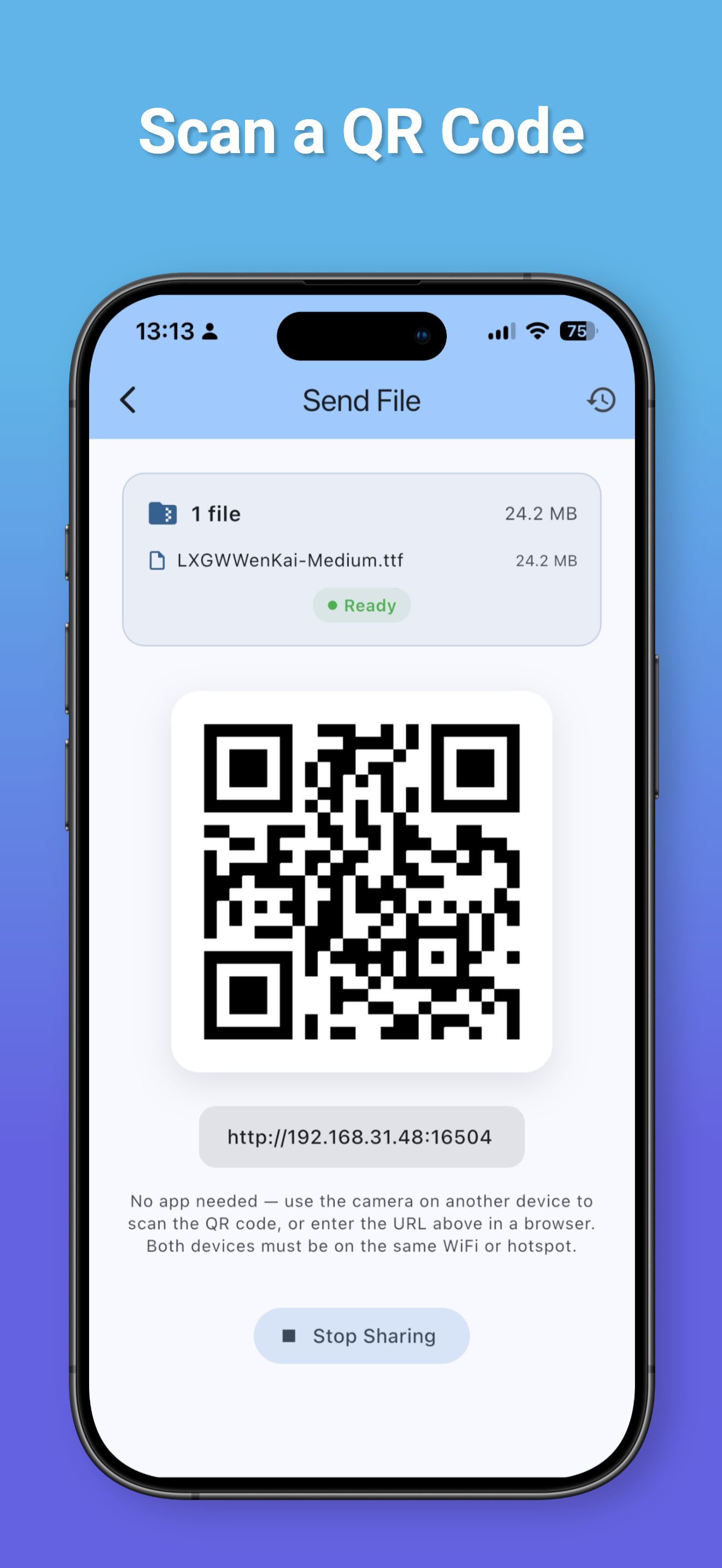
Scan to Connect

Open QRDrop, scan the QR code from another device, and start transferring instantly.

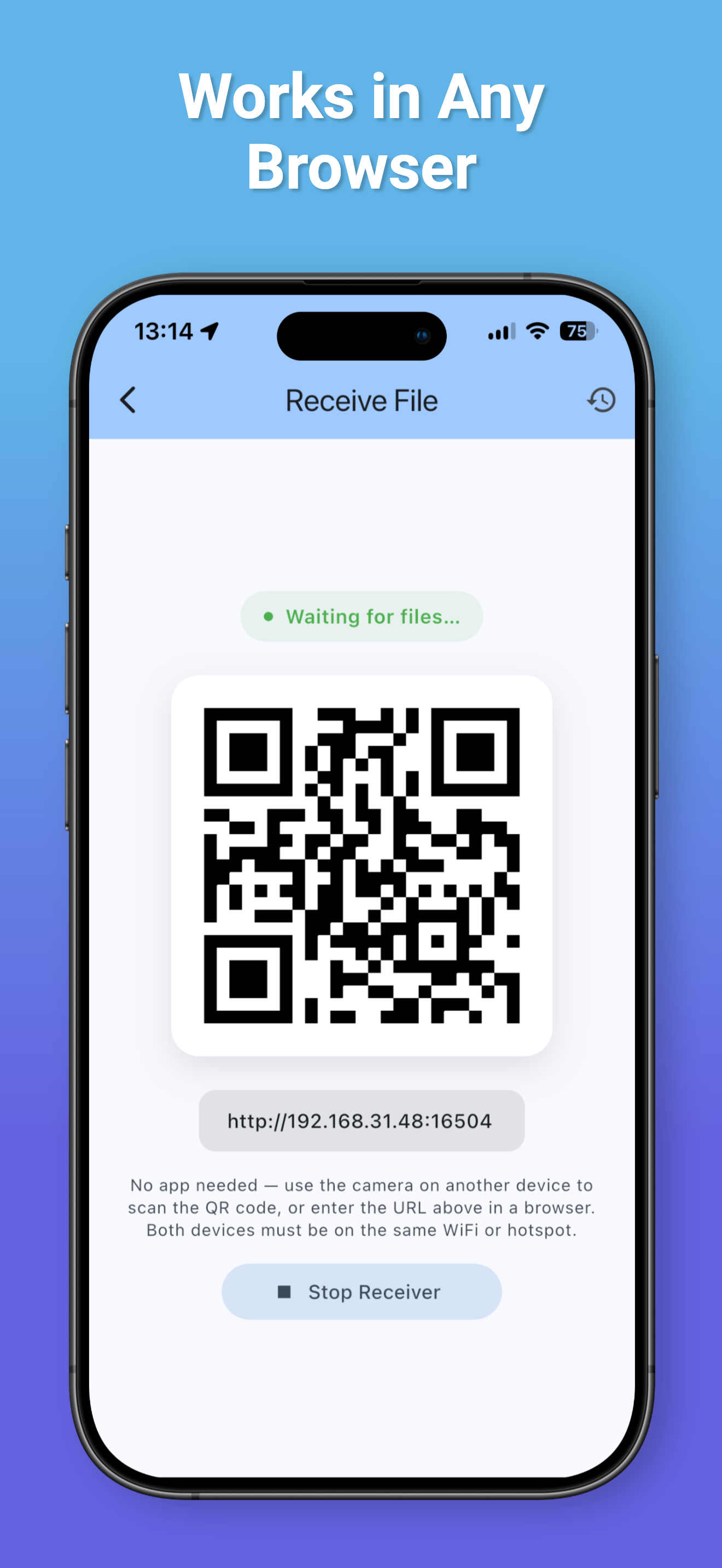
No App Required

The receiving device only needs a web browser. Phones, tablets, TVs, and computers all work.

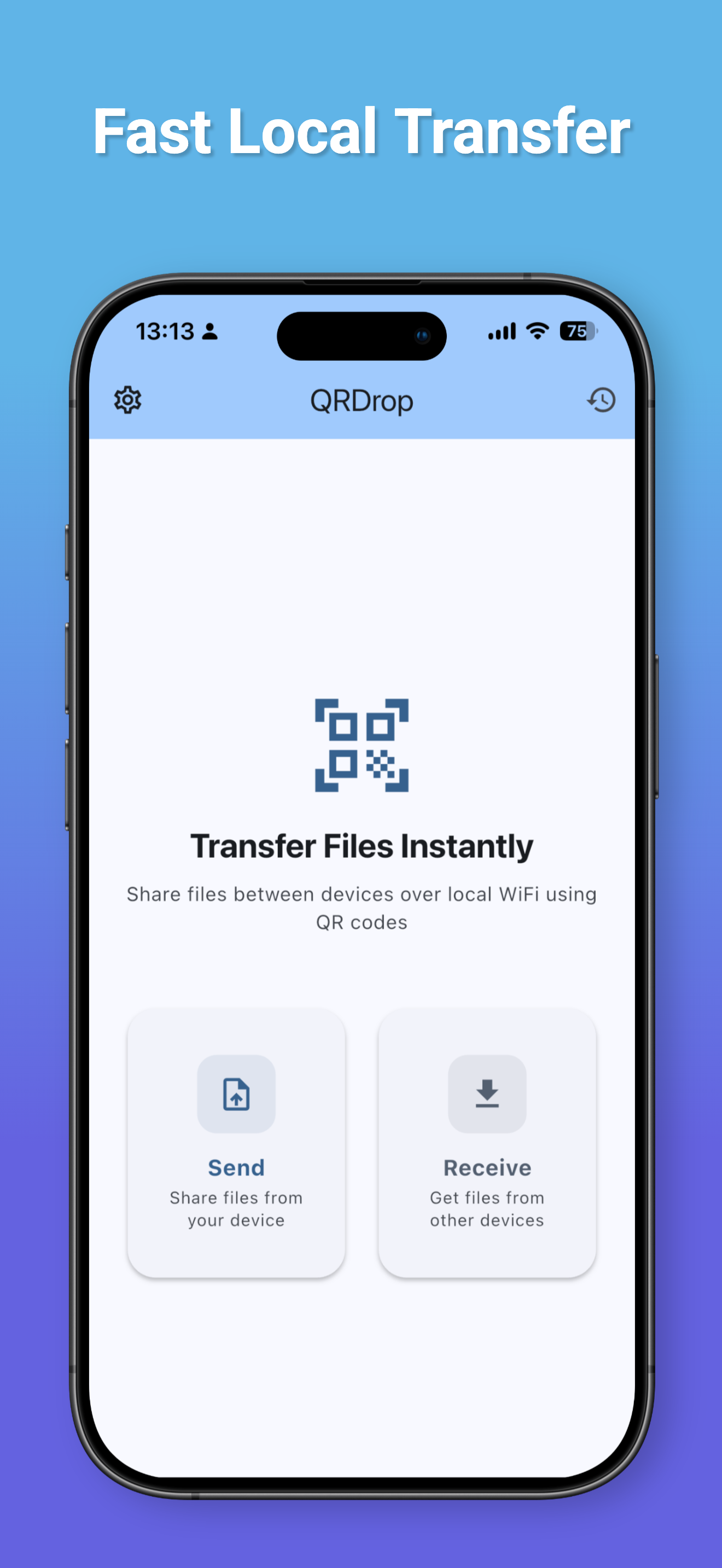
Fast Local Transfer

Files travel directly over your Wi-Fi/LAN network for maximum speed and reliability.

Any File, Any Size

Photos, videos, documents, music, APKs, and ZIPs, in multiple or large batches.

Truly Private

No cloud upload, no account, no servers. Your files never pass through our servers.

Clean and Simple

A clean, intuitive interface that makes file transfer effortless for everyone.

Why QRDrop?

Unlike traditional file transfer apps that require installation on every device, QRDrop only needs to be installed on one.

Open QRDrop. Scan the QR code. Transfer files instantly.

No registration. No cables. No cloud. No hassle.

Perfect For

  • Android TV file transfer
  • Phone ↔ TV, Tablet, or Computer
  • Family sharing
  • Office file sharing
  • Classroom presentations
  • Local network transfer

Privacy First

Your files never pass through our servers. All transfers happen directly between devices on your local network whenever possible, giving you better privacy and faster speeds.

Transfer files in seconds

Free on iOS and Android.

← All projects