iOS · Android

Pixel You

Turn photos into real low-resolution sprites, not a filter on top.

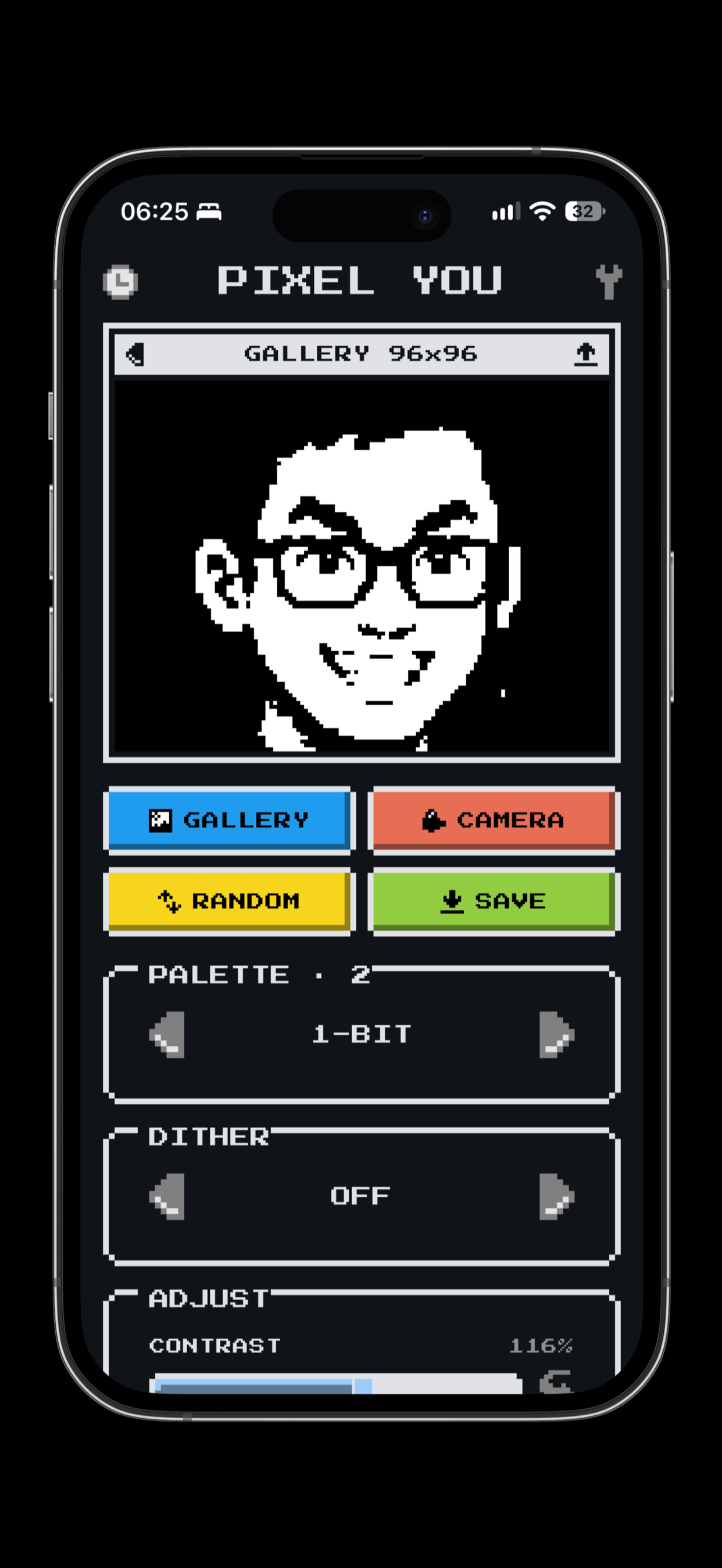
Pixel You screenshot

Pixel art that's actually pixel art

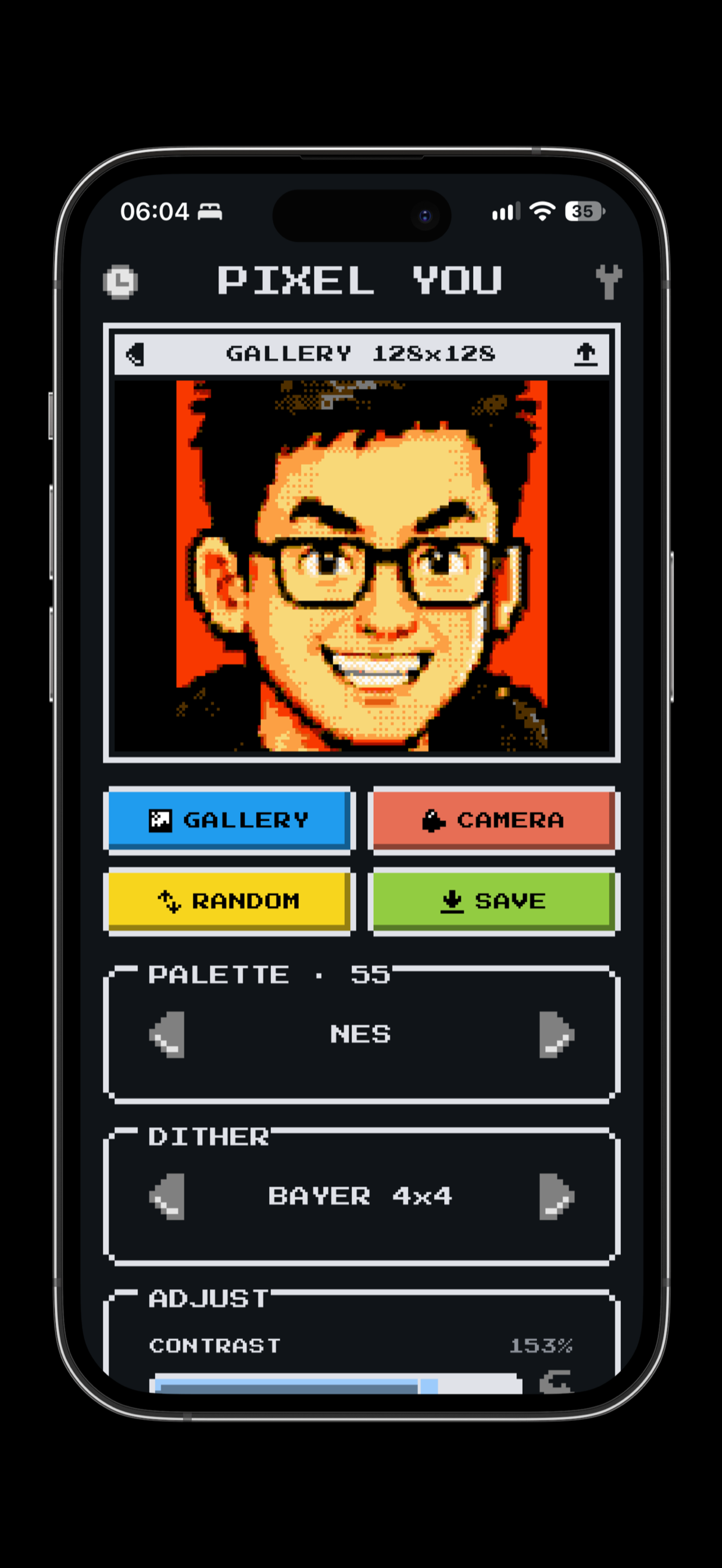
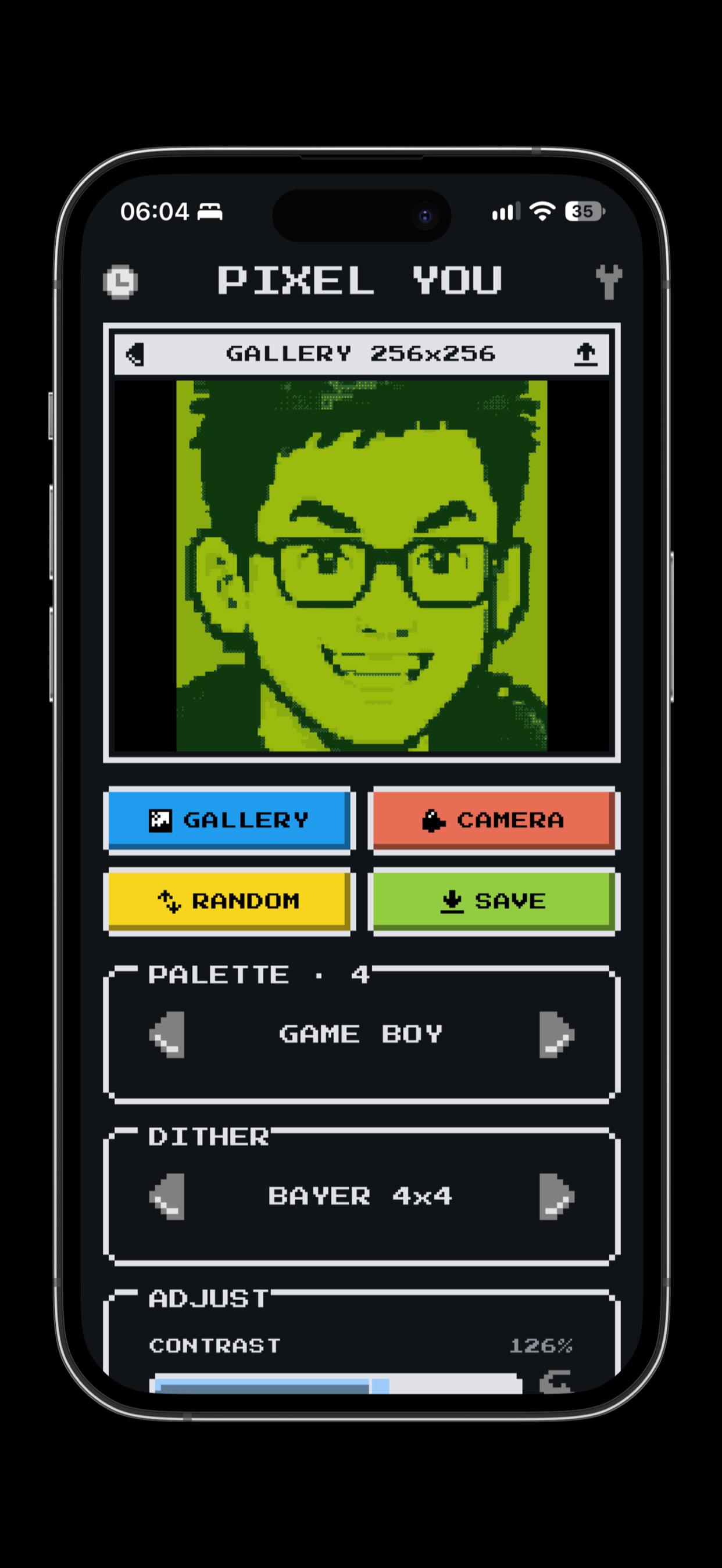
13 Built-in Palettes

Hardware palettes for the authentic look — NES, Game Boy, Commodore 64, ZX Spectrum, PICO-8, CGA, Virtual Boy — plus modern pixel-art sets like DawnBringer 16, Sweetie 16 and 1-bit black and white.

AUTO Palette

Pulls the 16 colours that fit your photo best with median-cut, so the result still reads like the picture you took.

Real Dithering

Floyd–Steinberg, Atkinson and Bayer 4×4 with adjustable strength. The quantisation error is genuinely diffused, not faked with a texture.

Fine Control

Contrast, saturation and dither strength sliders, and output widths from 32 to 512 pixels.

Screen Filters

CRT scanlines and vignette, VHS chroma shift and tape noise for the finishing touch.

Nothing Leaves Your Phone

No account, no uploads, no ads. Photos are processed locally and never transmitted.

Compare with the original

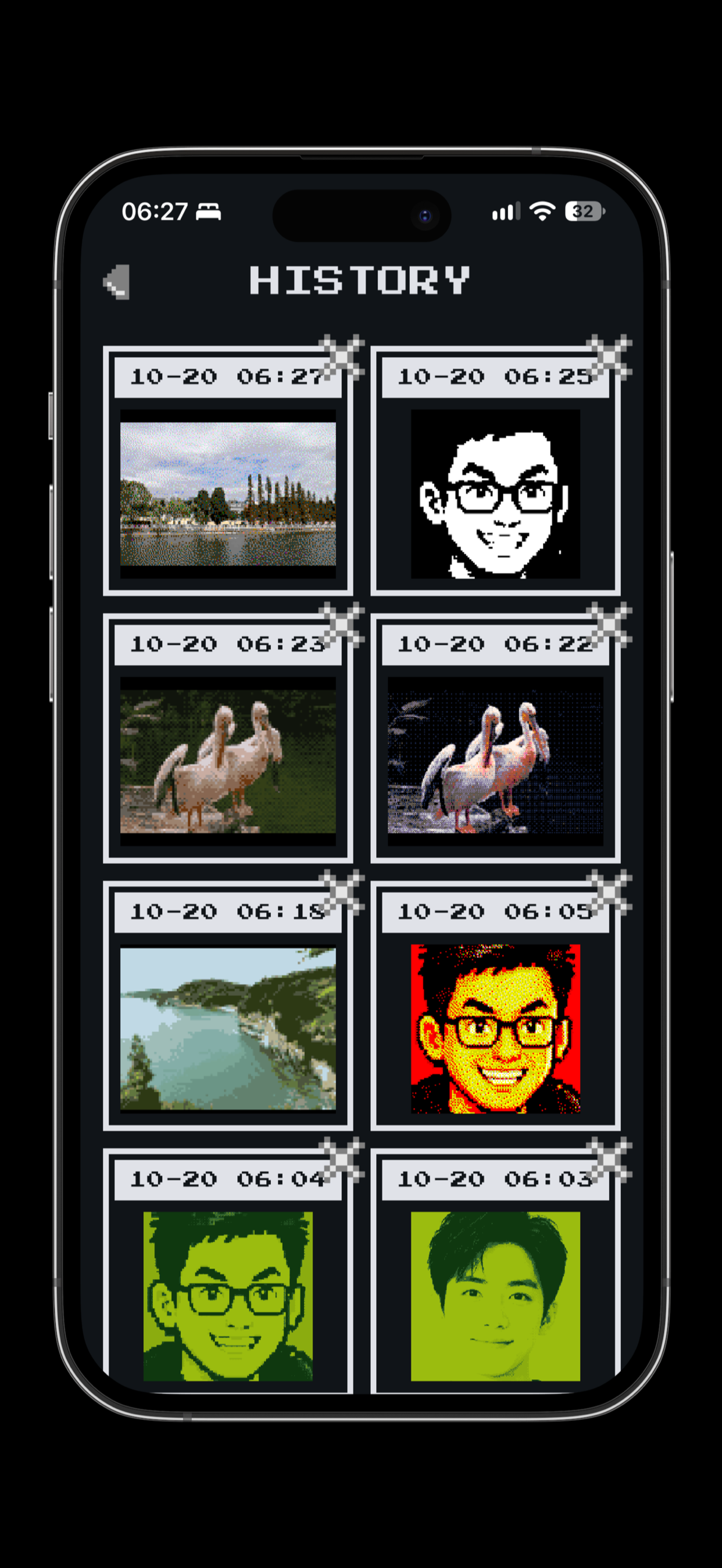
Press and hold the preview to see the photo underneath, release to go back. When it looks right, export a clean 1024-pixel PNG to your gallery or the share sheet. Every save and share is kept in History, ready to send again.

Why it looks right

Most pixel-art filters blur the image and posterise it. Pixel You averages each output pixel properly, maps it to the closest palette colour with a perceptually weighted distance, and then dithers — which is how a four-colour Game Boy screen manages to show a sky.

No account, no ads

Your photos never leave your device. Everything is processed locally and never transmitted, and there is no sign-up to sit through before you can start.

Turn photos into retro pixel art

Free on iOS and Android.

← All projects